ActionKit

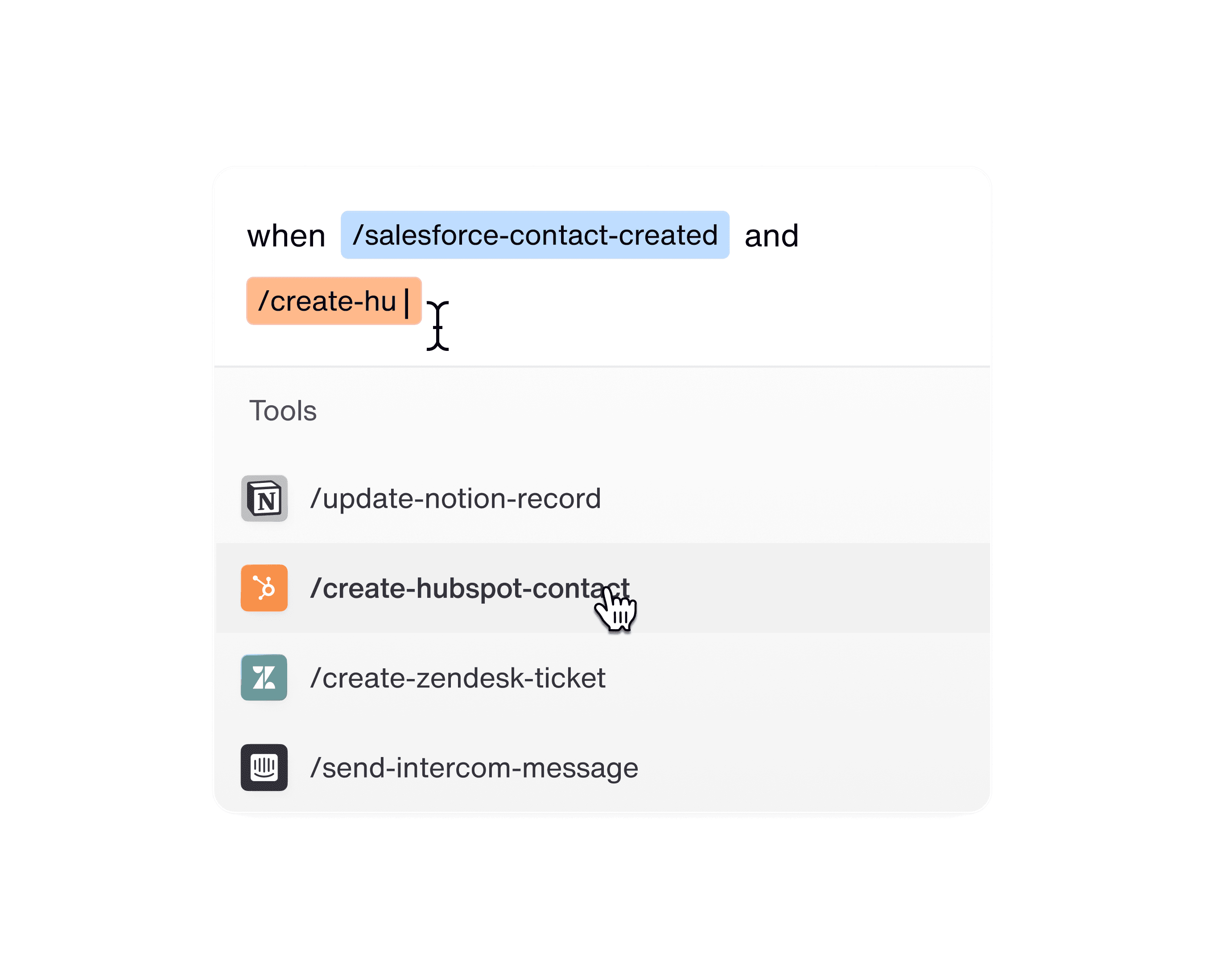
Your all-in-one suite for real-time integration actions - execute tool calls and listen to webhook events without worrying about authentication, API maintenance, or infrastructure.

ActionKit Triggers

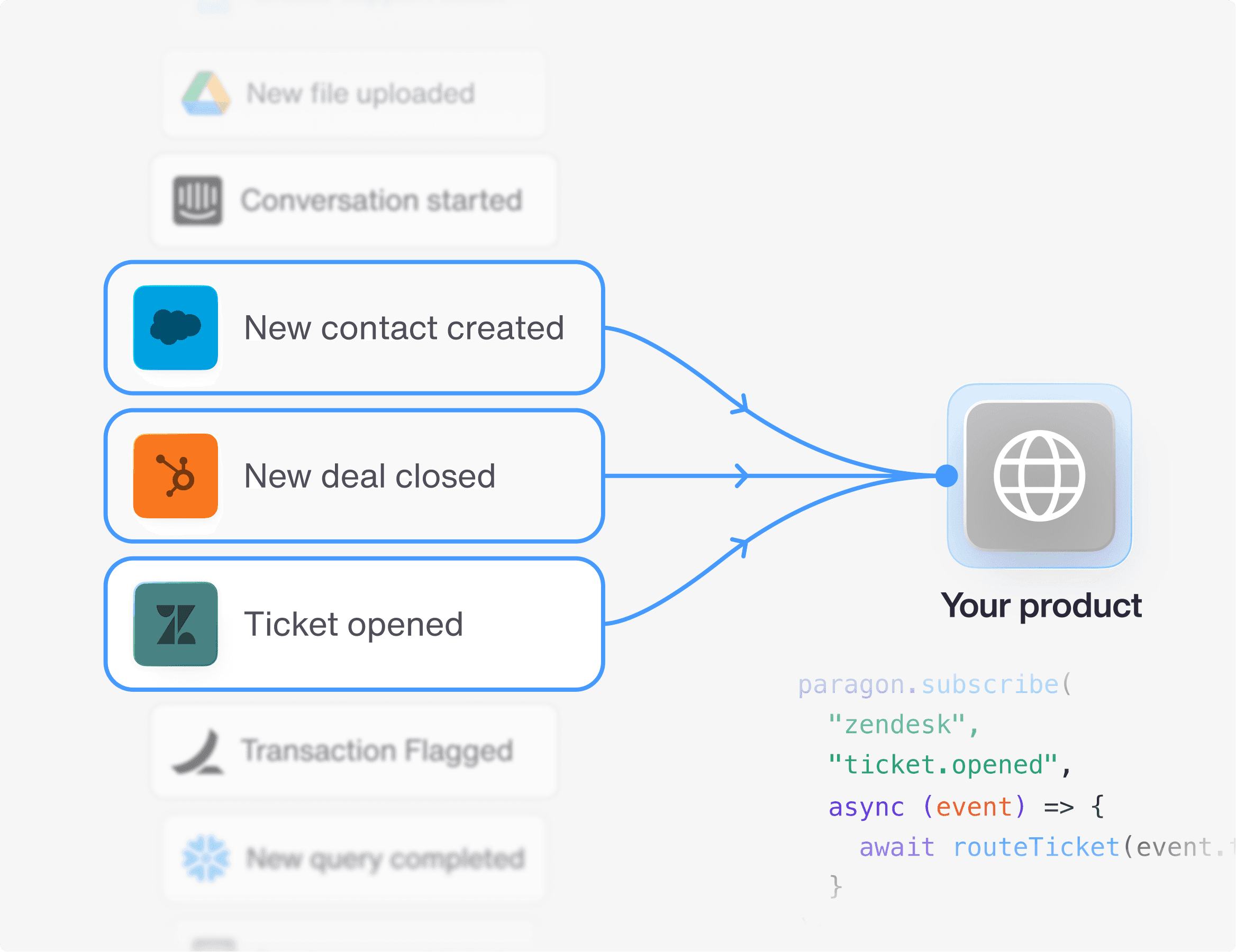
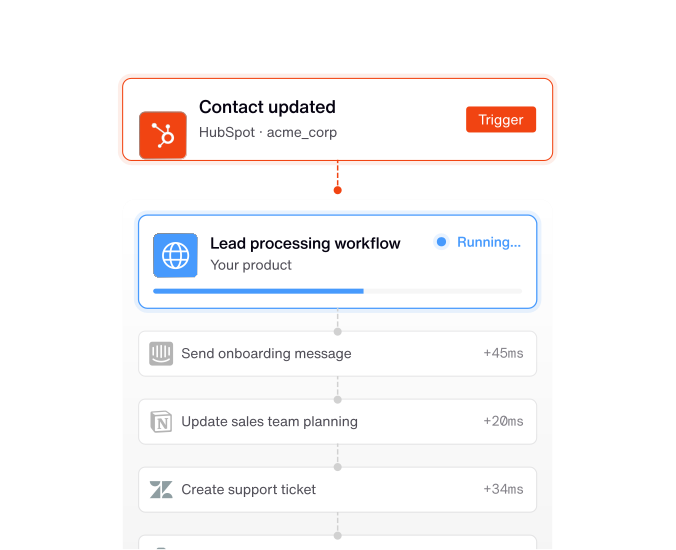
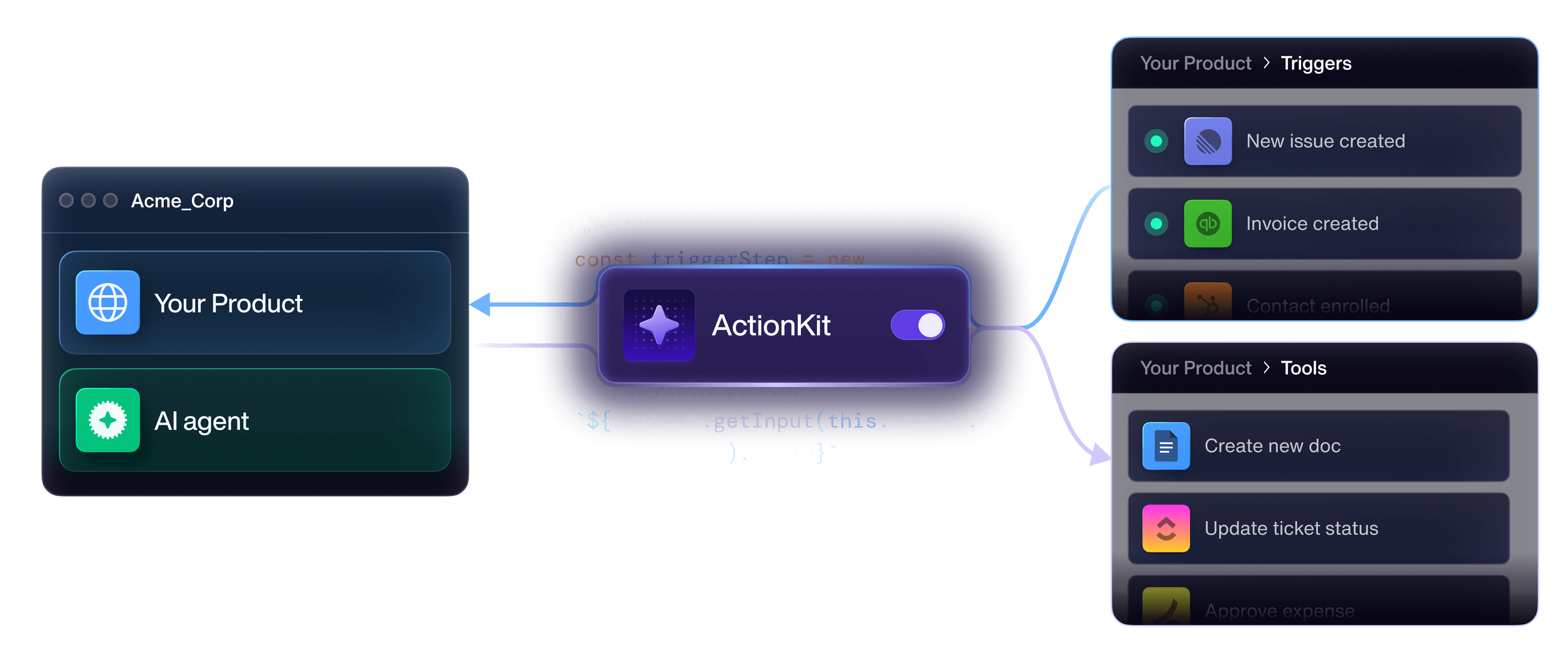
ActionKit Triggers is a single API to subscribe to your users' integration events. Paragon standardizes every integration's webhooks, so you can easily listen to your users' events and spring your app into action.

ActionKit Triggers

ActionKit Triggers is a single API to subscribe to your users' integration events. Paragon standardizes every integration's webhooks, so you can easily listen to your users' events and spring your app into action.

ActionKit Tools

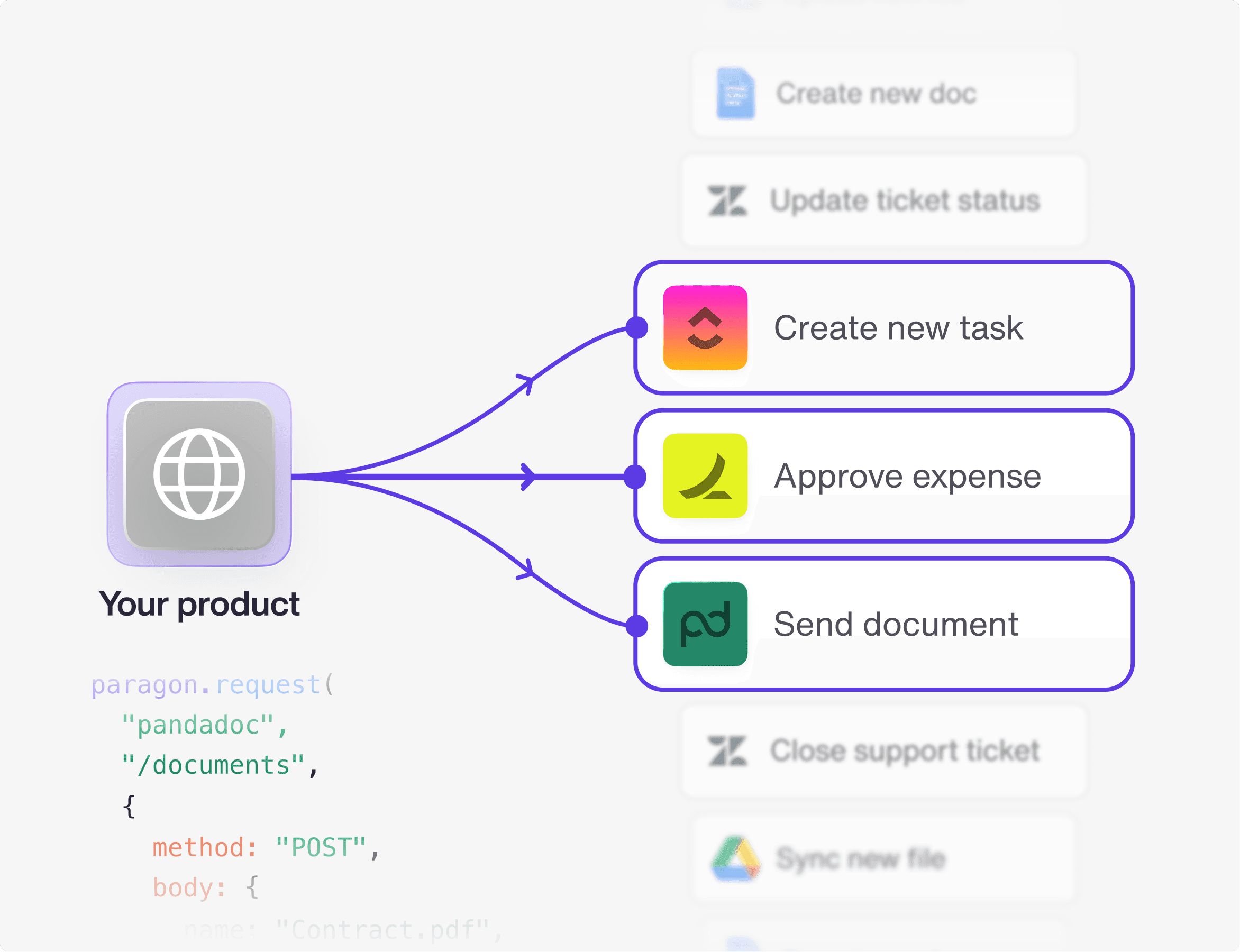
ActionKit Tools is a unified API that provides hundreds of integration actions. Paragon packages actions into tools with human & LLM readable descriptions, so you call 3rd party actions with less friction.

ActionKit Tools

ActionKit Tools is a unified API that provides hundreds of integration actions. Paragon packages actions into tools with human & LLM readable descriptions, so you call 3rd party actions with less friction.

Scale integration actions across every use case

Scale integration actions across every use case

With ActionKit Triggers, kick off your agent with real-time events, without manual prompting With ActionKit Tools, equip your AI agent with hundreds of integration actions with one API call (or the ActionKit MCP server)

Add hundreds of integration triggers and action nodes to your workflow product with ActionKit. Both ActionKit Triggers and Tools have human-readable descriptions and schemas, so you can dynamically create workflow descriptions, inputs, and configurations in your workflow product UI.

Completely integrate with your users’ ecosystem by reacting and interacting with all of their integrations. React to integration events through ActionKit Triggers’ event subscriptions to notify your app of new user actions while Paragon handles the webhook infrastructure. Interact with synchronous tools to read, write, and delete integration data without worrying about authentication or researching underlying API endpoints.

With ActionKit Triggers, kick off your agent with real-time events, without manual prompting With ActionKit Tools, equip your AI agent with hundreds of integration actions with one API call (or the ActionKit MCP server)

Add hundreds of integration triggers and action nodes to your workflow product with ActionKit. Both ActionKit Triggers and Tools have human-readable descriptions and schemas, so you can dynamically create workflow descriptions, inputs, and configurations in your workflow product UI.

Completely integrate with your users’ ecosystem by reacting and interacting with all of their integrations. React to integration events through ActionKit Triggers’ event subscriptions to notify your app of new user actions while Paragon handles the webhook infrastructure. Interact with synchronous tools to read, write, and delete integration data without worrying about authentication or researching underlying API endpoints.

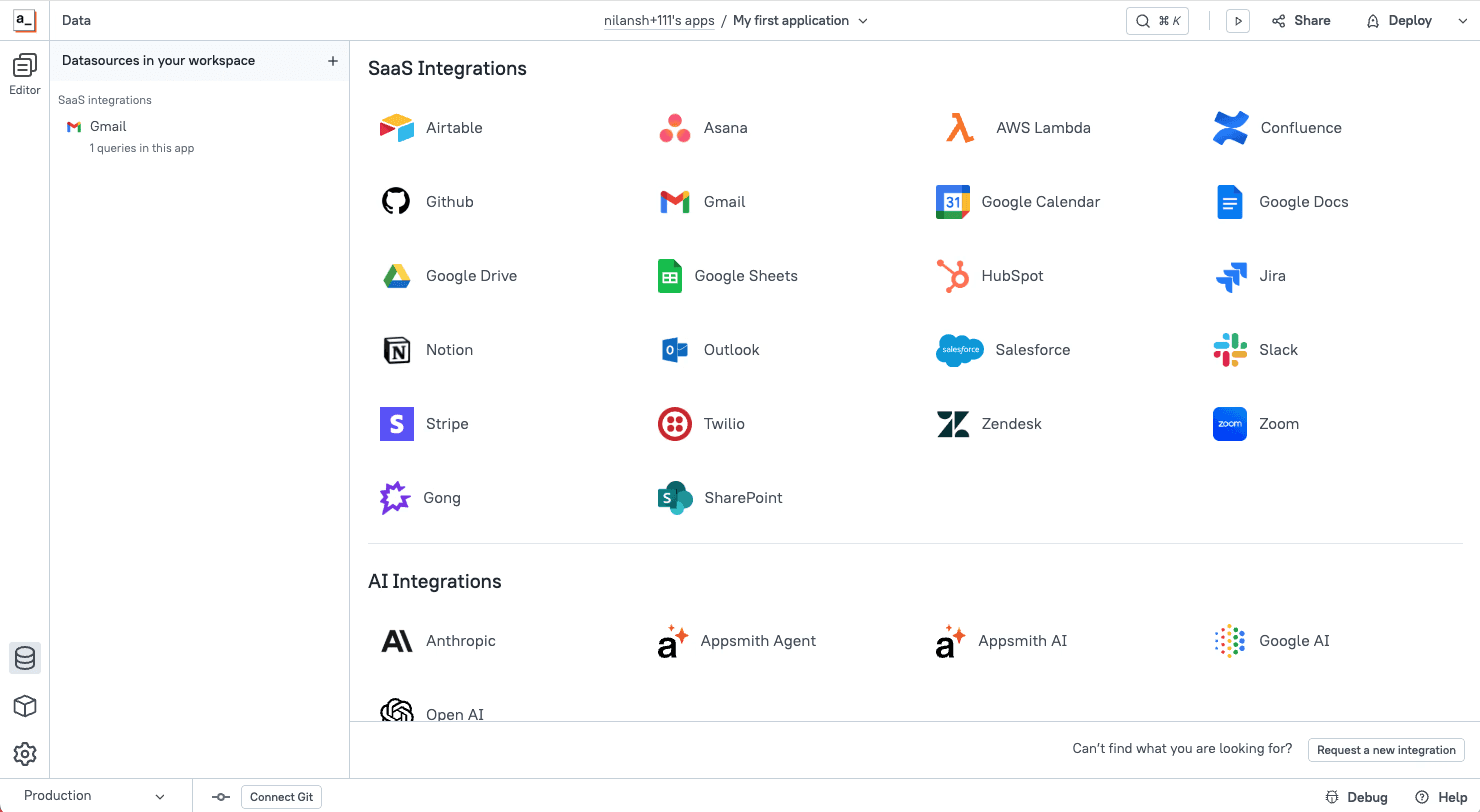
Appsmith needed a more scalable way to scale integrations for their AI agent, workflow automation, and dashboard component products, and made ActionKit the center of their re-architecture to achieve their goals.

Appsmith ships integrations 11x faster with ActionKit

Appsmith needed a more scalable way to scale integrations for their AI agent, workflow automation, and dashboard component products, and made ActionKit the center of their re-architecture to achieve their goals.

Appsmith ships integrations 11x faster with ActionKit

Appsmith needed a more scalable way to scale integrations for their AI agent, workflow automation, and dashboard component products, and made ActionKit the center of their re-architecture to achieve their goals.

Appsmith ships integrations 11x faster with ActionKit

Placeholder

One API for 300+ integration actions

ActionKit provides a uniform interface for interacting with 3rd-party APIs.

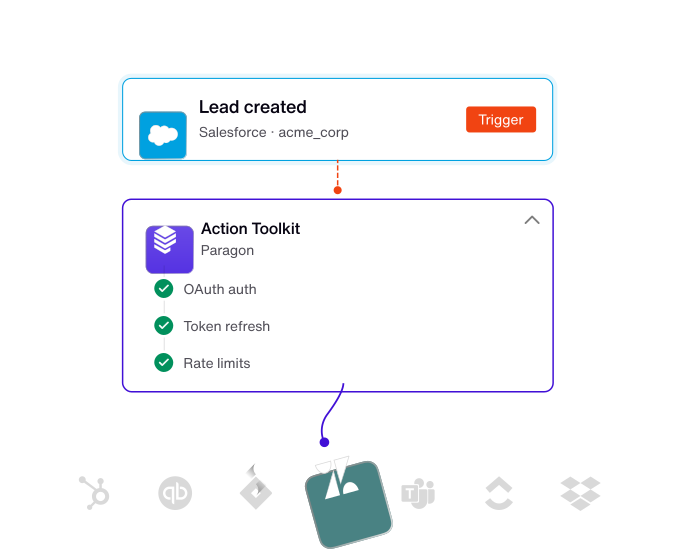
Managed authentication for every integration and action

Paragon handles any 3rd-party breaking changes

All actions support user-level custom objects & fields

Placeholder

{
  "actions": {
    "hubspot": [{
      "type": "function",
      "function": {
        "name": "HUBSPOT_CREATE_RECORD_CONTACTS",
        "description": "Create a contact in HubSpot CRM",
        "parameters": {
          "type": "object",
          "properties": {
            "field-email": {
              "type": "string",
              "description": "Email"
            },
            "field-firstname": {
              "type": "string",
              "description": "First Name"
            },
            "field-lastname": {
              "type": "string",
              "description": "Last Name"
            },
            "field-jobtitle": {
              "type": "string",
              "description": "Job Title"
            },
            "field-company": {
              "type": "string",
              "description": "Company Name"
            },
            "field-hubspot_owner_id": {
              "type": "string",
              "description": "Contact Owner: The HubSpot user who is assigned to this contact. Use Connect Portal Workflow Settings to allow users to select an Owner. (example value: \\"{{settings.owner}}\\")"
            },
            "field-lifecyclestage": {
              "type": "string",
              "description": "Lifecycle Stage: Defaults to the user’s first Lifecycle Stage if not provided. Use Connect Portal Workflow Settings to allow users to select a Lifecycle Stage. (example value: \\"{{settings.lifecycleStage}}\\")"
            },
            "field-hs_lead_status": {
              "type": "string",
              "description": "Lead Status: Defaults to the user’s first Lead Status if not provided. Use Connect Portal Workflow Settings to allow users to select a Lead Status. (example value: \\"{{settings.leadStatus}}\\")"
            },
            "additionalFieldsJSON": {
              "type": "string",
              "description": "Additional Fields: Specify any other fields that should be updated in JSON below. Use Connect Portal Workflow Settings to allow users to select which Contact fields to update. (example value: \\"{\\n  \\"property_number\\": \\"17\\",\\n  \\"property_dropdown\\": \\"choice_b\\",\\n  \\"property_radio\\": \\"option_1\\",\\n  \\"property_string\\": \\"value\\",\\n  \\"property_date\\": \\"1572480000000\\"\\n}\\")"
            }
          },
          "required": [
            "recordType",
            "field-email"
          ],
          "additionalProperties": false,
          "$schema": ""
        }
      }
    }]
  },
  "errors": []
}

Placeholder

Interface via the API or MCP server

Whether you need deterministic or agentic integration functionality, ActionKit can be implemented with just a few lines of code.


API

MCP

// OpenAI SDK

import requests

from openai import OpenAI

client = OpenAI()


actions_url = f"https://actions.useparagon.com/projects/{project_id}/actions"

get_actions_params = {

"categories": "crm,project_management"

}

response = requests.get(actions_url, params=params, headers=actions_auth_header)

paragon_tools = response.json()

messages = [{"role": "user", "content": "Help me create a Jira ticket"}]

completion = client.chat.completions.create(

model="gpt-4o",

messages=messages,

tools=paragon_tools,

tool_choice="auto"

)

API

MCP

// OpenAI SDK

import requests

from openai import OpenAI

client = OpenAI()


actions_url = f"https://actions.useparagon.com/projects/{project_id}/actions"

get_actions_params = {

"categories": "crm,project_management"

}

response = requests.get(actions_url, params=params, headers=actions_auth_header)

paragon_tools = response.json()

messages = [{"role": "user", "content": "Help me create a Jira ticket"}]

completion = client.chat.completions.create(

model="gpt-4o",

messages=messages,

tools=paragon_tools,

tool_choice="auto"

)

Scale your integration roadmap

Join hundreds of SaaS companies that are scaling their integration roadmaps with Paragon

Scale your integration roadmap

Join hundreds of SaaS companies that are scaling their integration roadmaps with Paragon

Scale your integration roadmap

Join hundreds of SaaS companies that are scaling their integration roadmaps with Paragon

Scale your integration roadmap

Join hundreds of SaaS companies that are scaling their integration roadmaps with Paragon